Pick your template
Start from SOAP, DAP or BIRP and edit the section prompts to match how you actually write. Your template becomes the default for that service.
Notes are where the day quietly disappears. Here you will move from a blank page to a signed note in a few minutes, with the clinical judgement staying entirely yours.
Start from SOAP, DAP or BIRP and edit the section prompts to match how you actually write. Your template becomes the default for that service.
Type rough points or dictate them. Nothing is structured yet, this is the messy layer that usually never makes it out of your notebook.
The assistant organises your input into the template's sections in clinical language. It never invents content you did not provide.
Edit anything, then sign. The note locks with a timestamp and an audit trail, and amendments are recorded as amendments.
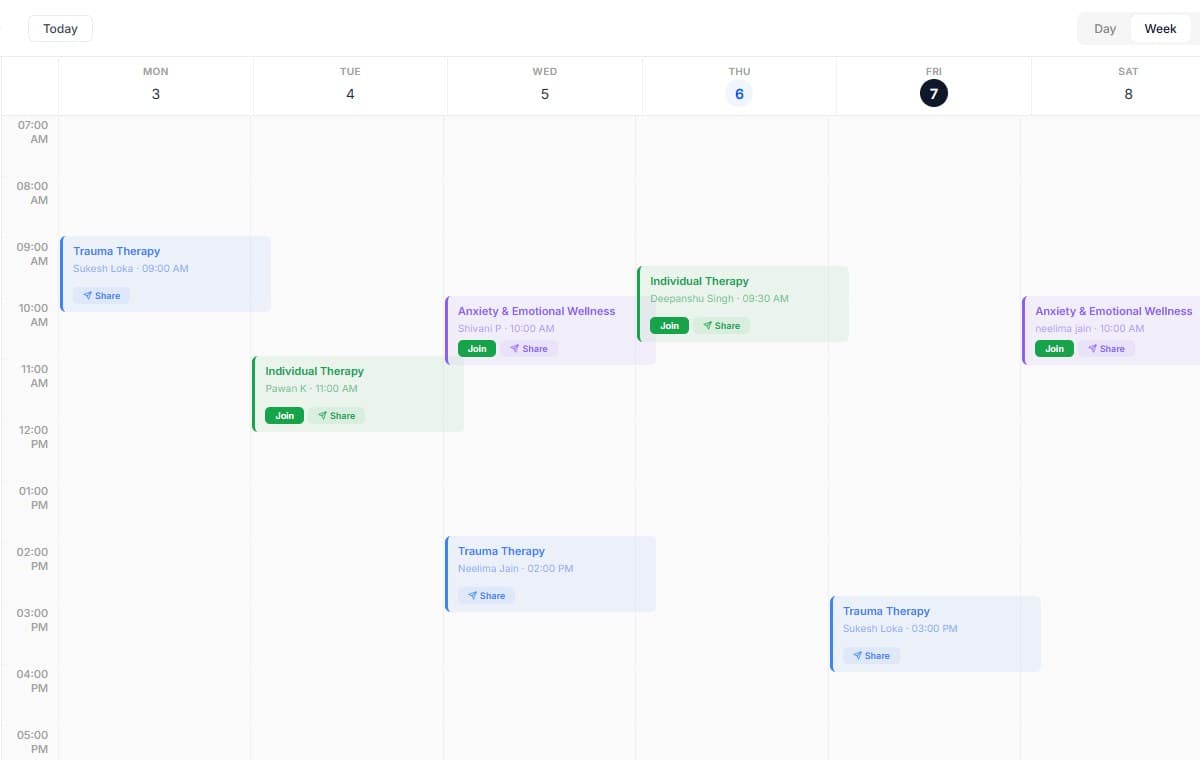
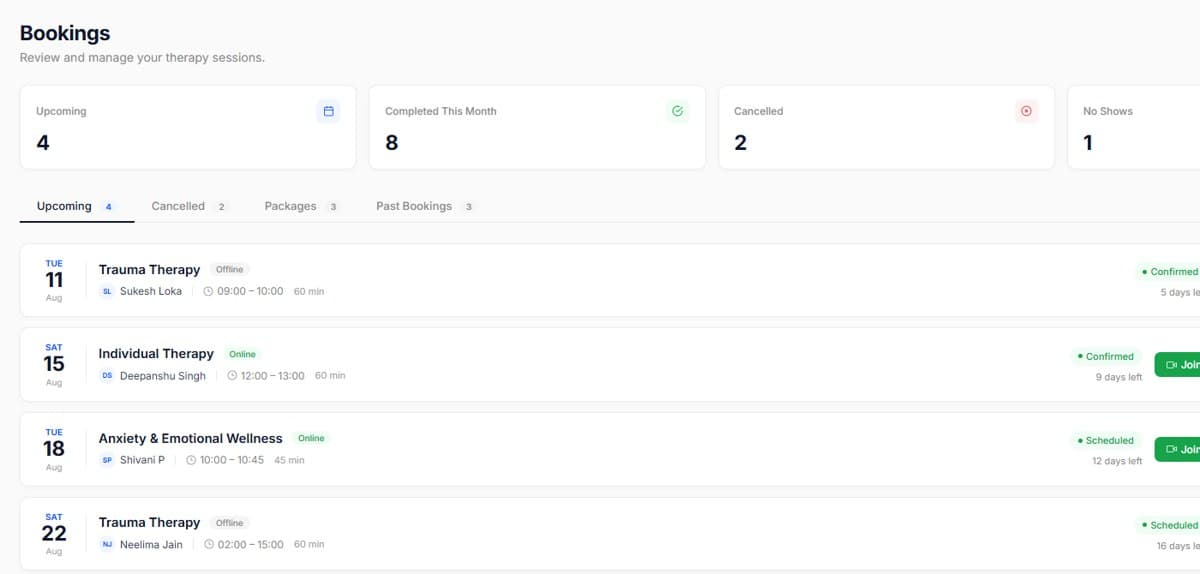
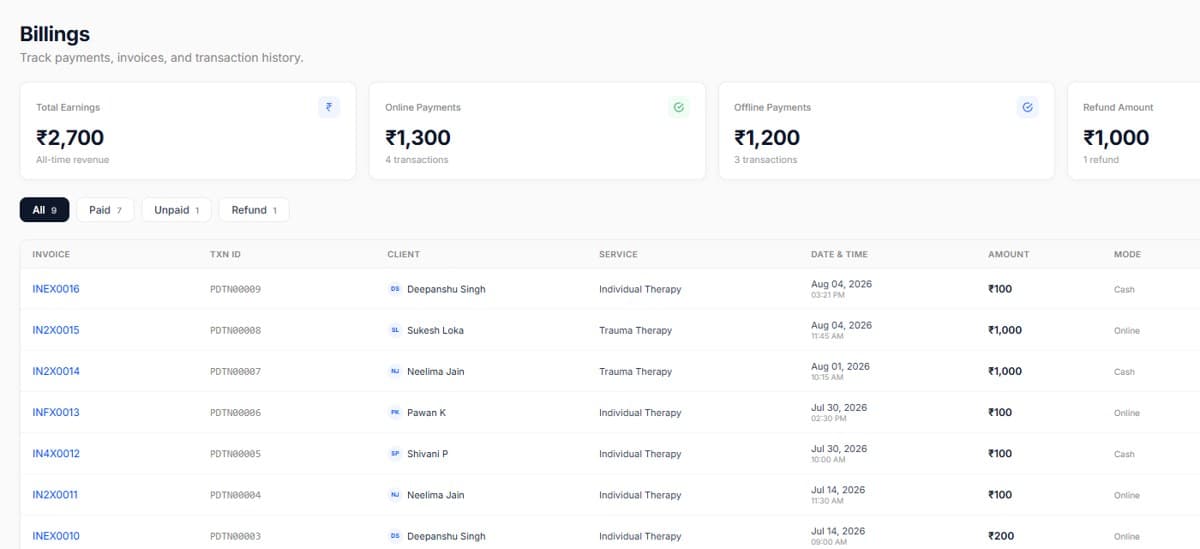
Real screens from the product, so you know exactly what to expect before you start.
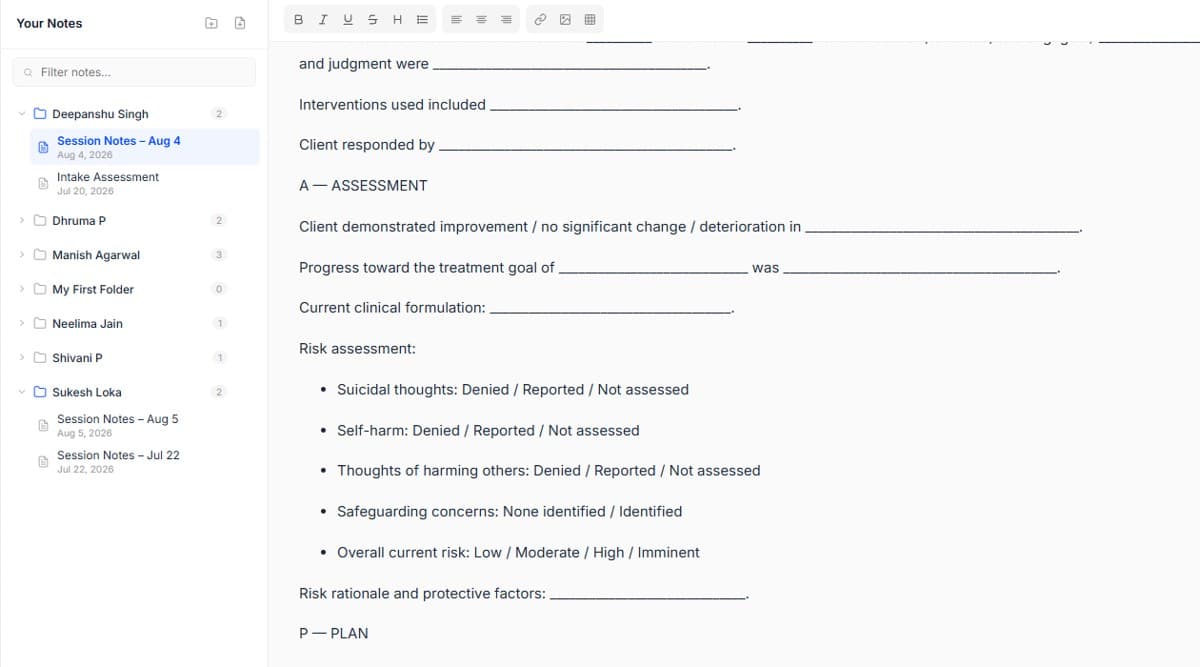
Write your rough input in the client's own words where it matters clinically.
Sign notes the same day, the audit trail is cleaner and recall is better.

Start your free trial today. No credit card required, set up your workspace in 10 minutes and see how PsychDesk simplifies your practice.
Want the detail first?
Read the product documentation