PsychDesk
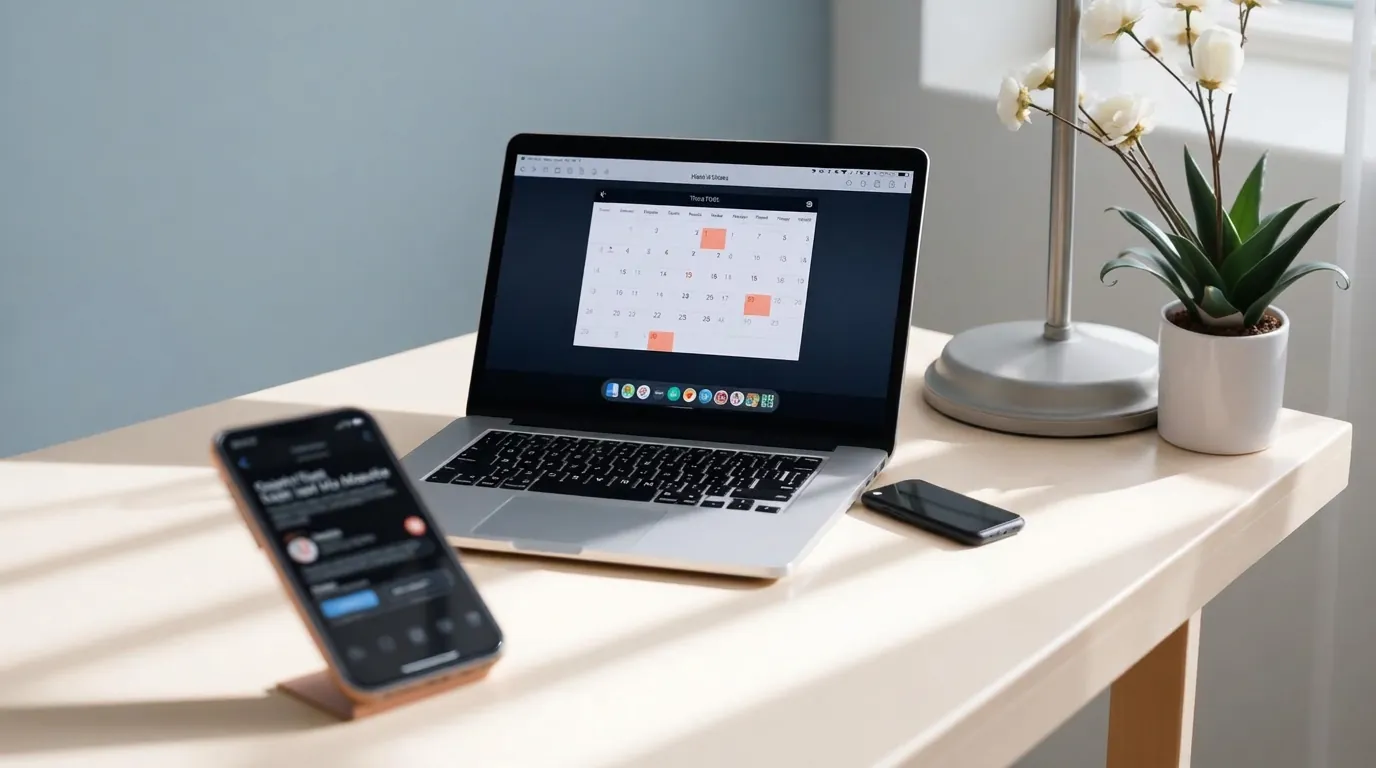
Therapist desk with a calendar on a laptop and reminders on a phone

PsychDesk Works With the Tools You Already Use

Scheduling, reminders, and email should not mean switching between five different apps. PsychDesk connects directly to Gmail, Google Calendar, and WhatsApp, so your existing tools and your practice management system stay in sync automatically.

30 days free. No credit card required.

Google Calendar

Live · Scheduling

Google Meet

Live · Online sessions

Gmail

Live · Client email

WhatsApp

Live · Reminders

What a practice management software integration actually is

An integration connects PsychDesk directly to a tool you already use, your calendar, your email, or your messaging app, so information flows between them automatically instead of you re-entering the same appointment, reminder, or message in two places. For a therapy practice specifically, this matters most for scheduling and reminders, since these are the tasks that repeat every single day and compound fastest when handled manually across separate tools.

PsychDesk syncing sessions with calendar, email, and messaging apps

Connected tools, working now

Google Calendar

Scheduling
What it does
Every session booked in PsychDesk syncs directly to your Google Calendar, and your existing Google Calendar availability is reflected back in PsychDesk's scheduling, so you are never double booked across two calendars you have to check separately.
Why this matters
Most therapists already run their day from Google Calendar, for personal appointments, supervision, and other commitments alongside client sessions. A practice management tool that keeps its own separate calendar, disconnected from the one you actually check throughout the day, creates exactly the kind of double booking risk this integration removes.
How it works
Connect your Google account once, in a two click process, and every session PsychDesk schedules appears on your calendar automatically, with no manual entry required on either side.

Google Meet

Online sessions
What it does
Online sessions booked through PsychDesk generate a Google Meet link automatically, attached to the calendar event and shared with the client alongside their reminder, with nothing to create or paste manually.
Why this matters
Running a video session should not mean a separate step of generating a meeting link and copying it into a message every time. Because this runs through the same Google Calendar connection, an online session gets its video link the moment it is booked, the same way an in-person session gets its location.
How it works
Included with the Google Calendar connection, no separate setup required.

Gmail

Client email
What it does
Client communications, such as session confirmations, intake links, and invoice emails, send from your connected Gmail account, so clients see your own practice address rather than a generic no-reply sender, and the sent message is recorded against the client's record in PsychDesk.
Why this matters
Email that arrives from an unfamiliar sender gets missed or filtered. Sending from the address your clients already recognise keeps deliverability high, and logging what was sent against the client record means you never have to search your inbox to confirm whether a confirmation or invoice actually went out.
How it works
Authorize your Google account from the integrations screen. PsychDesk requests send-on-your-behalf access only, and does not read your existing inbox.

WhatsApp

Reminders
What it does
Appointment reminders and confirmations send automatically through WhatsApp, reaching clients on the messaging app most already check throughout the day, rather than an email that may sit unread.
Why this matters
WhatsApp reminders are one of the most effective ways to reduce no-shows specifically because of where clients actually see them. An email reminder competes with a full inbox. A WhatsApp message reaches the same notification stream as messages from friends and family, which is part of why response and confirmation rates tend to be higher through this channel.
How it works
Reminders send through the WhatsApp Business API using approved message templates. Your practice connects a business phone number once during setup, after which reminders send automatically on your chosen schedule.

Coming soon

Outlook

Coming soon

PsychDesk currently connects with Google Calendar, and support for Outlook calendar sync is planned, so practices running their scheduling through Microsoft's ecosystem rather than Google's will have the same automatic sync available. If Outlook is the calendar your practice depends on today, contact us to let us know, since active demand directly shapes what gets built next.

Tell us you need this

Zoom

Coming soon

Online sessions currently generate a Google Meet link automatically. Zoom integration is planned for practices that prefer or are already set up to run sessions through Zoom specifically. Contact us if this is a priority for your practice.

Tell us you need this

How to connect an integration

01

Open integrations

Go to your account settings and open the integrations section.

02

Choose a service

Pick the integration you want to connect: Google Calendar, Gmail, or WhatsApp today.

03

Authorize

Follow the authorization steps for that service. For Google services this is typically a two to three click process.

04

Confirm

PsychDesk shows a connected status once the integration is active and syncing.

What PsychDesk does not do with your connected accounts

PsychDesk only accesses what each integration specifically requires to function, calendar events for scheduling sync, not your full email inbox contents. Here is the exact scope each connection requests.

Google Calendar

Read and write access to calendar events only, so sessions can be created and availability checked.

Gmail

Send-only access, used to deliver practice email from your address.

WhatsApp

Sending approved reminder templates to the client numbers stored in your practice records.

What we never touch

We do not read your inbox contents, your personal calendar event details beyond availability, your contacts, or your Google Drive files. Connected account data is never used for analytics or marketing.

See our security and compliance page for the full detail on how connected account data is handled.

Frequently asked questions

Google Calendar is supported today, with two way sync so sessions booked in PsychDesk appear on your calendar automatically and your existing availability is reflected in PsychDesk's scheduling. Outlook integration is coming soon.

Yes, for online sessions, through Google Meet, generated and attached automatically when a session is booked, with no manual link creation required. Zoom integration is coming soon for practices that prefer it.

Reminders send through the WhatsApp Business API using pre-approved message templates. Your practice connects a business phone number once during onboarding, and our team helps get the reminder templates approved. After that, reminders send automatically on the schedule you set, with no per-message action needed.

No. Google Calendar, Google Meet, and Gmail are included on all paid plans. WhatsApp reminders are included too, subject to the per-message charges WhatsApp itself levies. See the pricing page for current plan details.

Yes, contact us directly. Which integrations get built next is shaped by what practices are actually asking for, not a fixed roadmap.

PsychDesk requests the narrowest scope each integration needs, calendar events for scheduling and send-only access for Gmail, and never reads your inbox. Tokens are stored encrypted and can be revoked from your settings or your Google account at any time. See the security and compliance page for the full detail.
A calm, sunlit therapy space

Ready to simplify your practice?

Start your free trial today. No credit card required, set up your workspace in 10 minutes and see how PsychDesk simplifies your practice.

Want the detail first?

Read the product documentation