Set your tax profile
Enter your GSTIN, SAC code and the invoice series you want. Numbering stays sequential, which is what your accountant will ask for.
Billing should take seconds, not a spreadsheet and a bank app. This tutorial gets your tax details right once so every invoice after it is a single click.
Enter your GSTIN, SAC code and the invoice series you want. Numbering stays sequential, which is what your accountant will ask for.
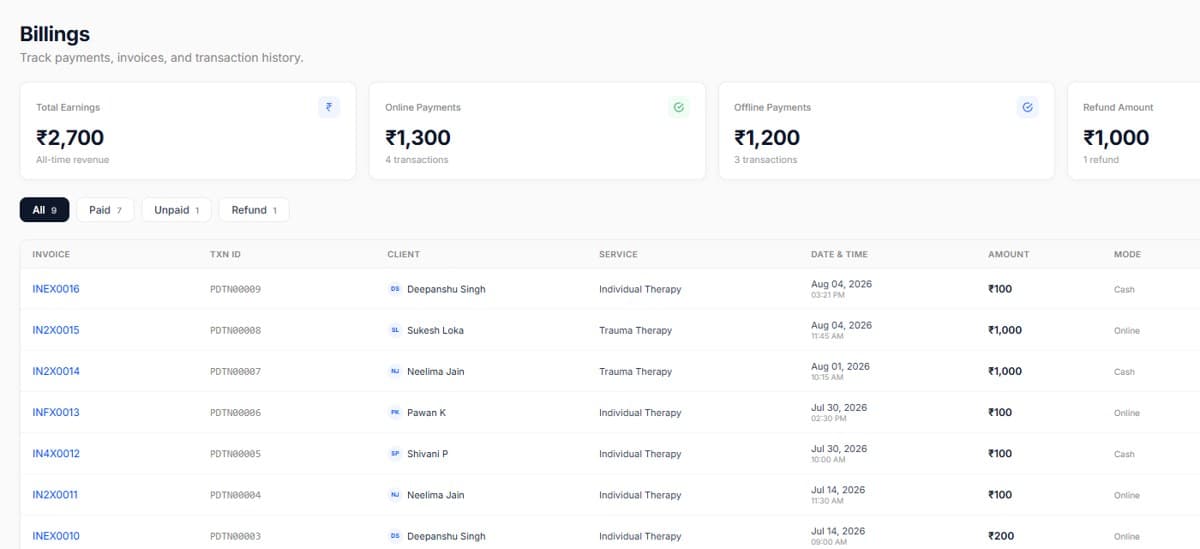
Every completed session can become an invoice with the service, fee and tax already filled in. Package sessions draw down from the client's balance instead.
Share a UPI or card link over WhatsApp or email. When the client pays, the invoice marks itself as settled, no manual reconciliation.
The billing view shows what is unpaid, how old it is and who to nudge, so recovery stops depending on memory.
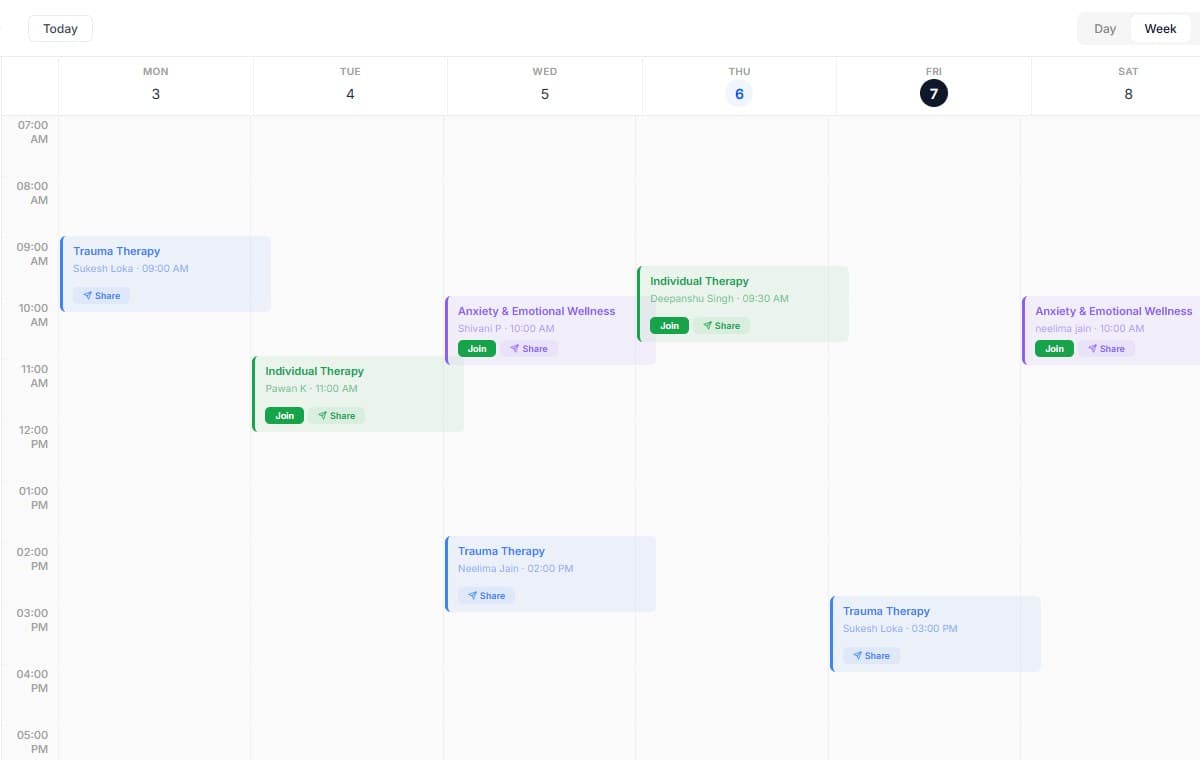
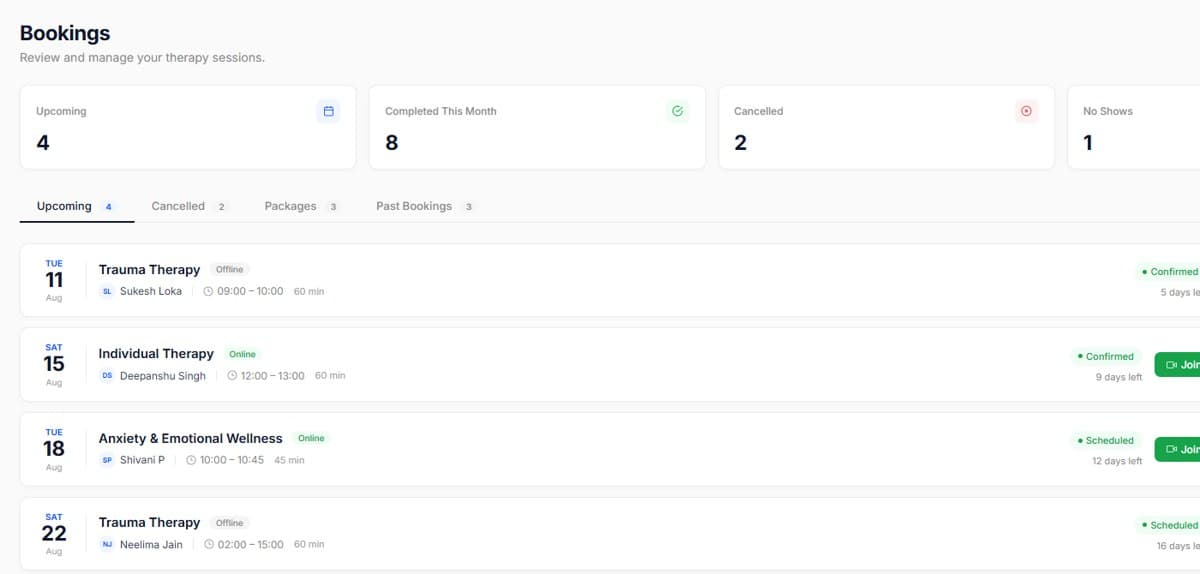
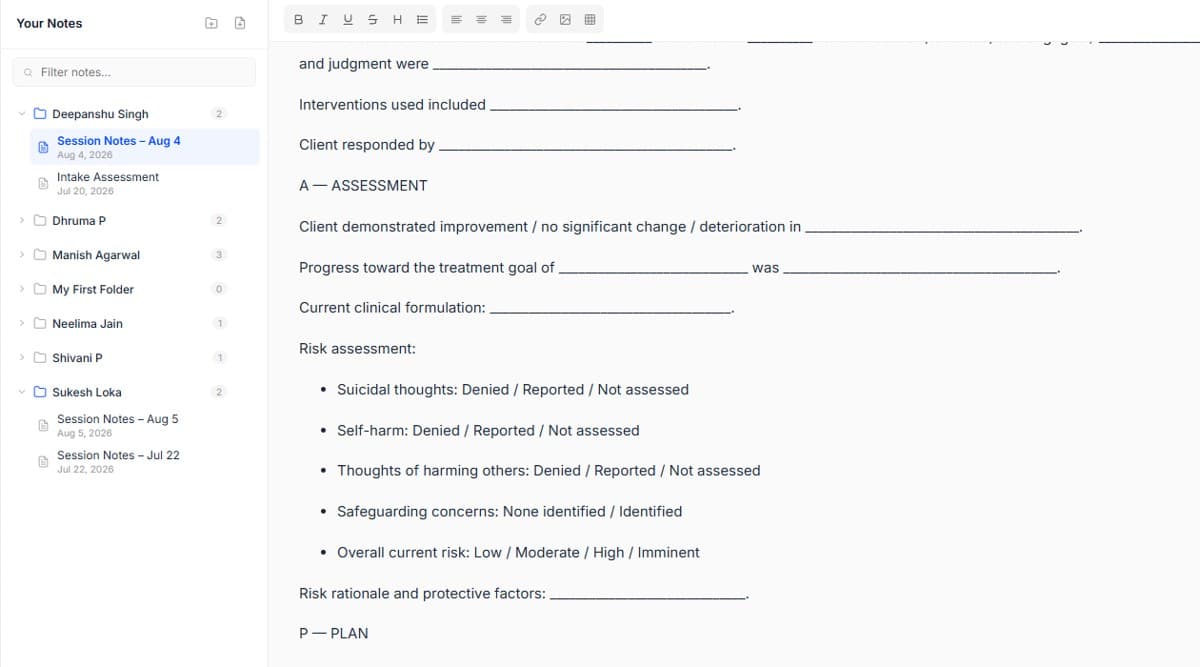
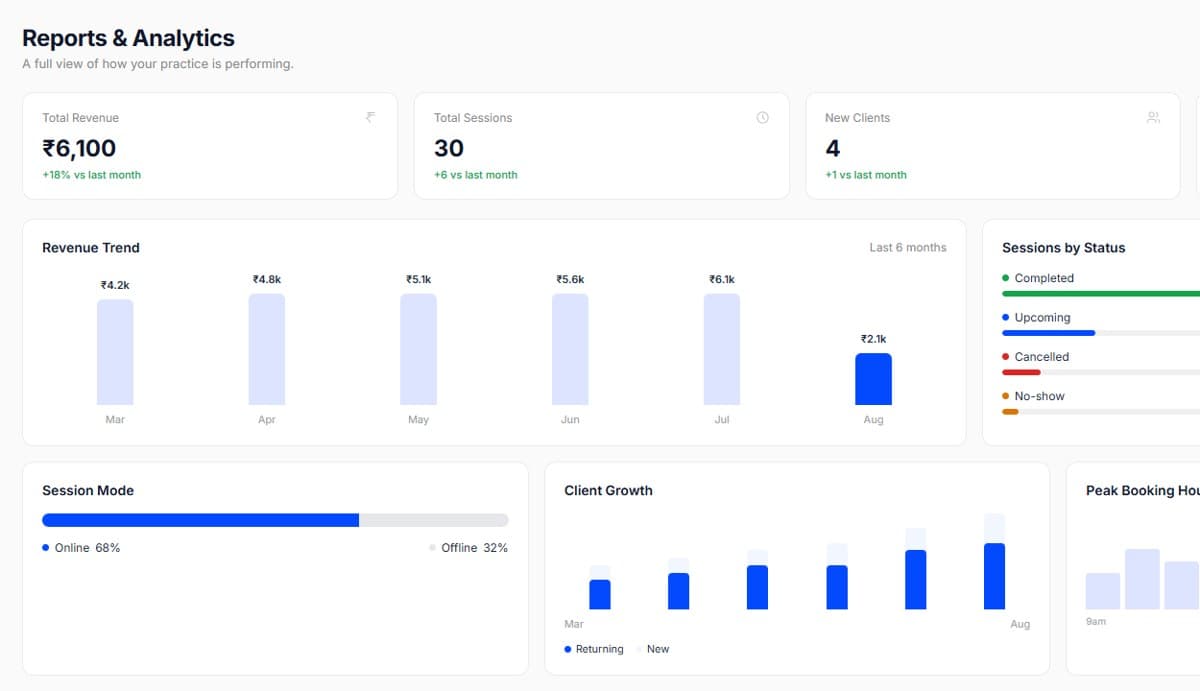
Real screens from the product, so you know exactly what to expect before you start.
Send the payment link with the session confirmation for packages, collection rates improve.
Reconcile once a week rather than daily; the dues view makes it a five-minute job.

Start your free trial today. No credit card required, set up your workspace in 10 minutes and see how PsychDesk simplifies your practice.
Want the detail first?
Read the product documentation