Start with utilisation
Compare booked hours against the hours you opened. Consistently above 85% means it is time to raise fees or add capacity, not to work later.
Most practices grow on instinct. Five minutes a month with these four numbers replaces the guesswork with something you can act on.
Compare booked hours against the hours you opened. Consistently above 85% means it is time to raise fees or add capacity, not to work later.
Watch the trend, not the week. A rising rate is usually a reminder-timing or policy problem, and both are fixable in minutes.
Revenue by service shows which work sustains the practice. Clinics can break this down per clinician to plan schedules fairly.
See which sources actually turn into ongoing clients so outreach effort goes where it already works.
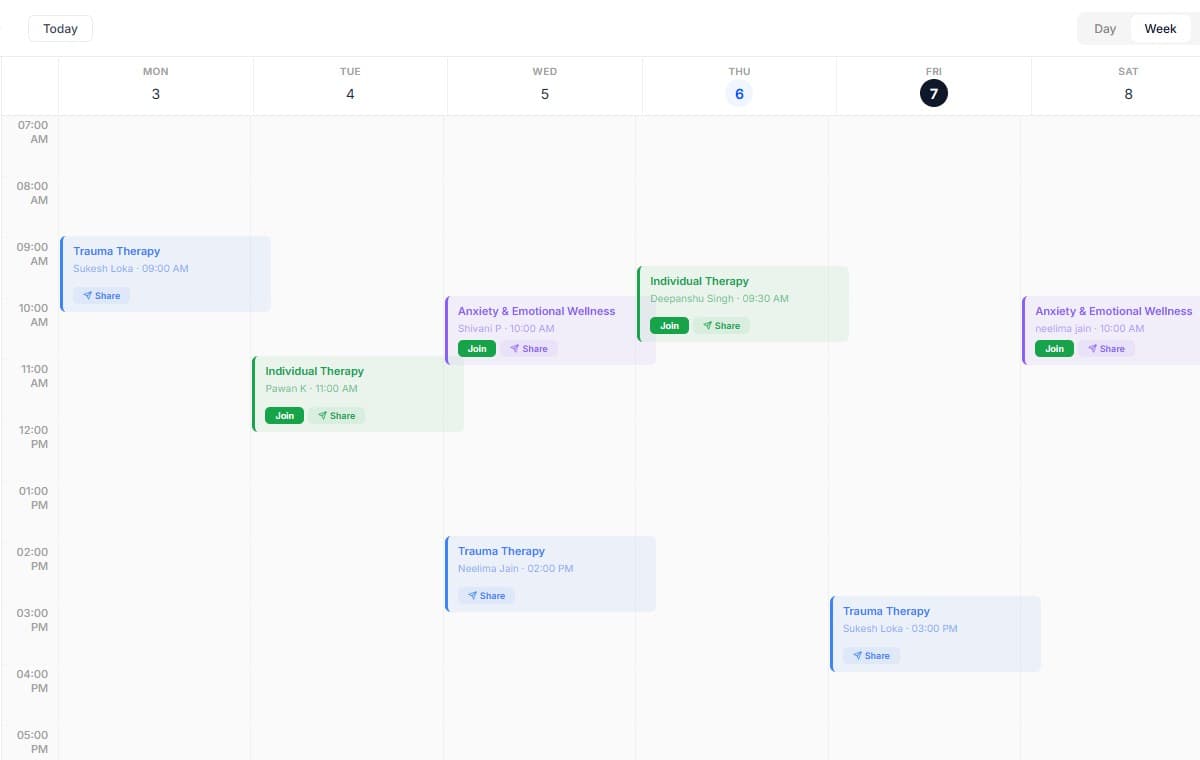
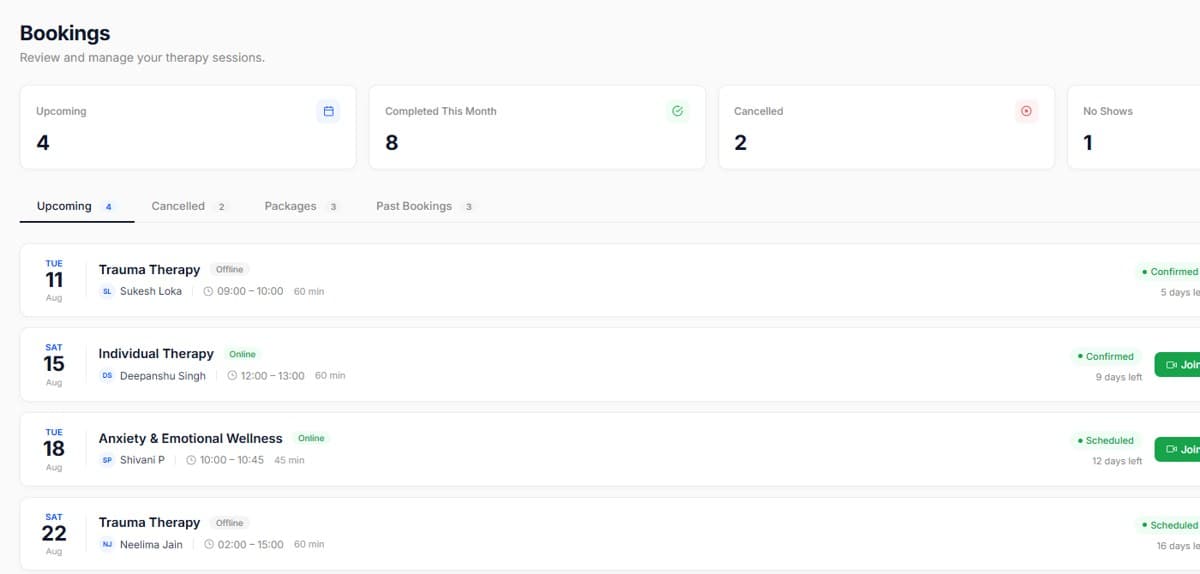
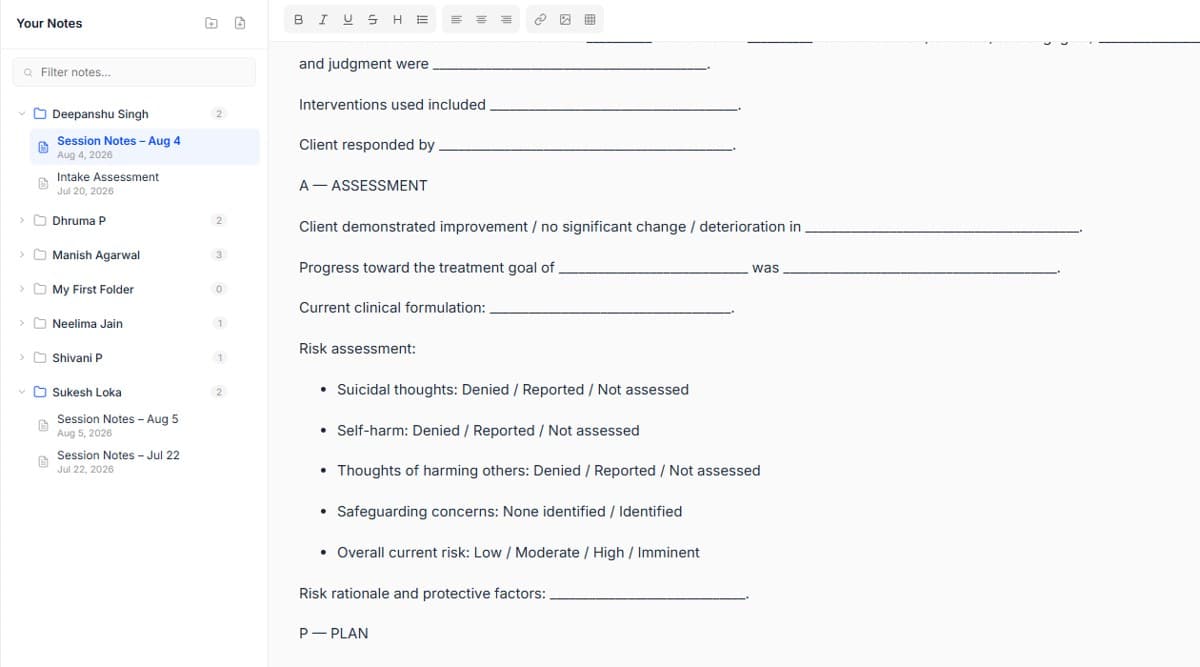
Real screens from the product, so you know exactly what to expect before you start.
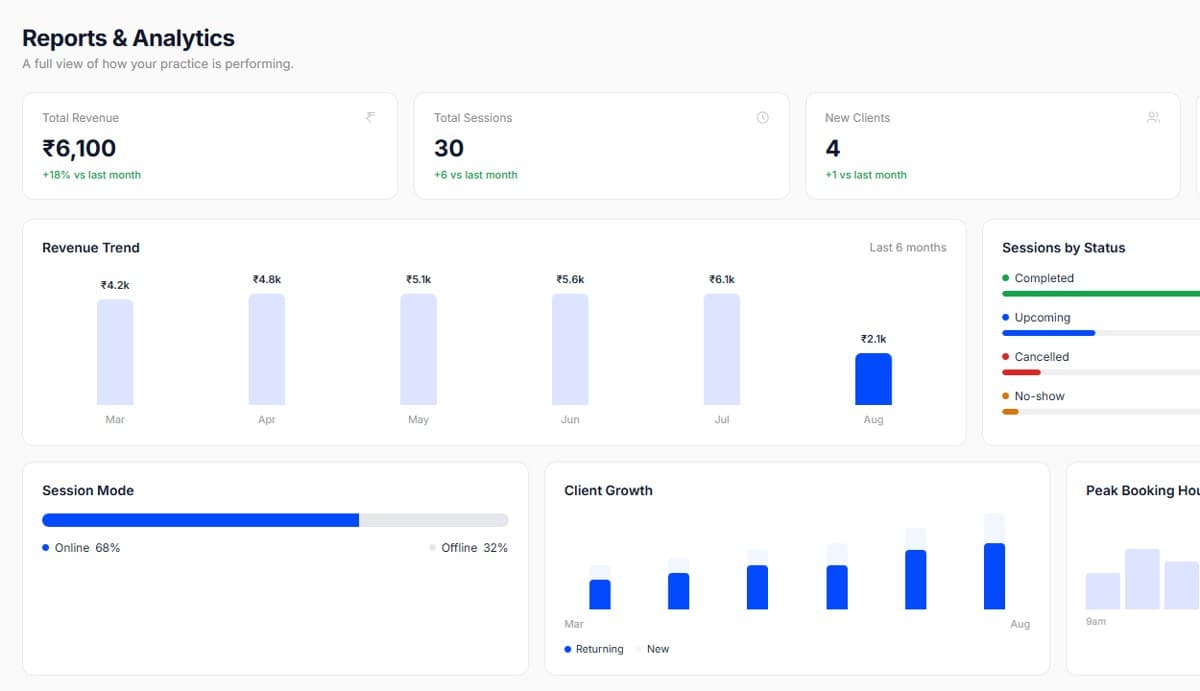
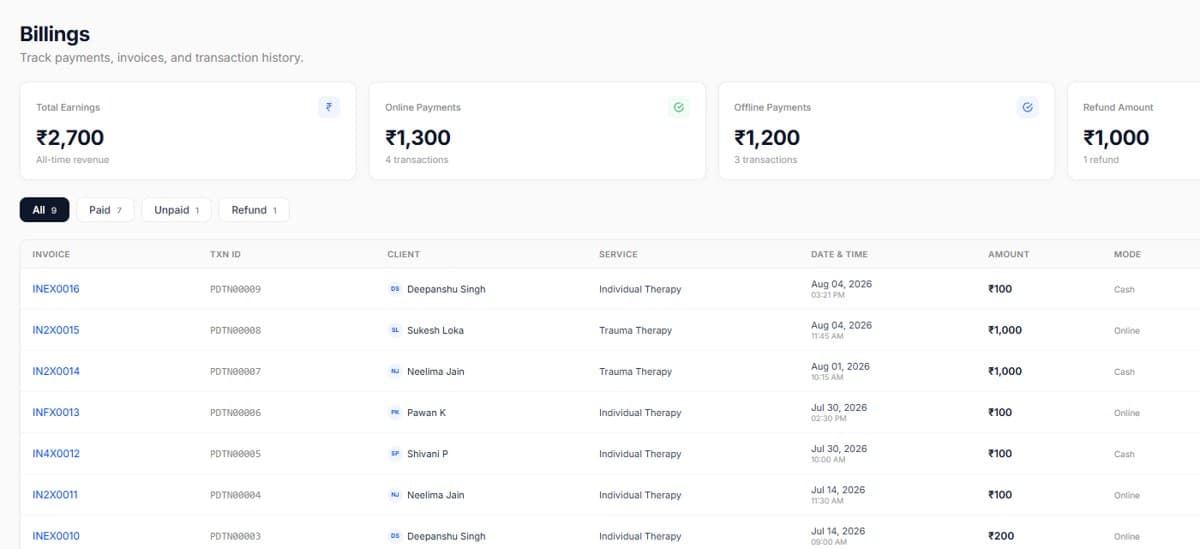
Review on the first working day of the month, before the calendar fills.
Pick one number to move each month, practices that chase all four move none.

Start your free trial today. No credit card required, set up your workspace in 10 minutes and see how PsychDesk simplifies your practice.
Want the detail first?
Read the product documentation